Claude Code vs Cursor: Which AI Coding Tool Wins in 2026
Summary
TL;DR: in the claude code vs cursor debate, Claude Code wins for developers who want to hand off a real chunk of work, a refactor, a migration, a bug hunt, and review the result. Cursor wins if your day is spent writing code inside an editor and you want AI on every keystroke, with tab completion and multi-model routing built in. Most serious builders end up using both.
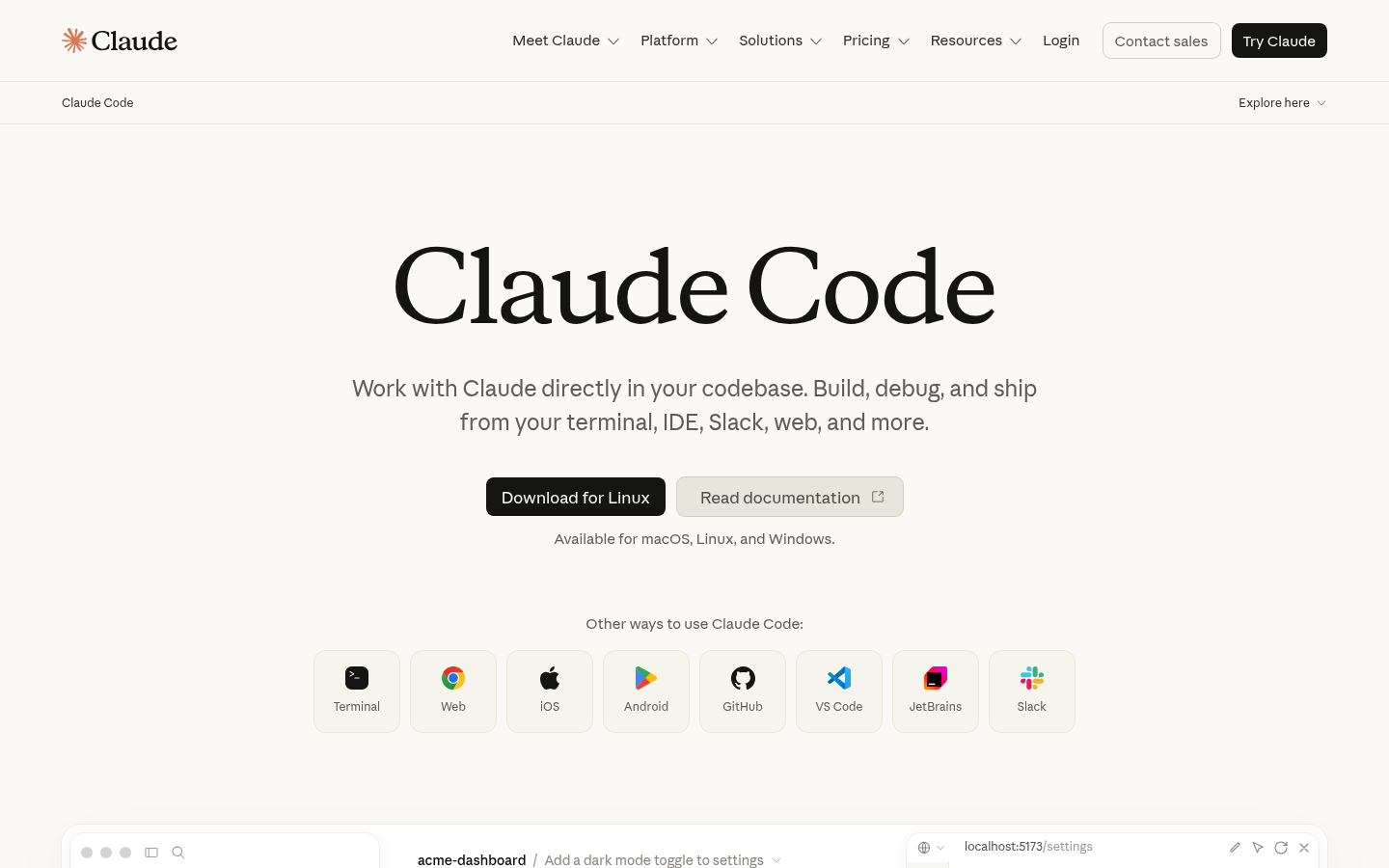

Claude Code
- Handles large multi-file refactors autonomously, often finishing in one run instead of a dozen back-and-forth prompts.
- Deep whole-repo awareness makes onboarding onto an unfamiliar codebase noticeably faster.
- Runs headless in CI, GitHub Actions, and over SSH, fitting straight into existing terminal and DevOps workflows.
- First-party MCP support, since Anthropic built the protocol, so integrations with GitHub, Slack and custom tools feel native.
- Locked to Claude models only, so there is no fallback to GPT or Gemini when a task needs a different model.
- No dedicated inline tab-autocomplete, which makes line-by-line editing feel slower than an editor built around it.
- Terminal-first workflow asks more of developers used to a fully graphical IDE.
Best when you want to hand off a real chunk of work and review the outcome, not every keystroke.
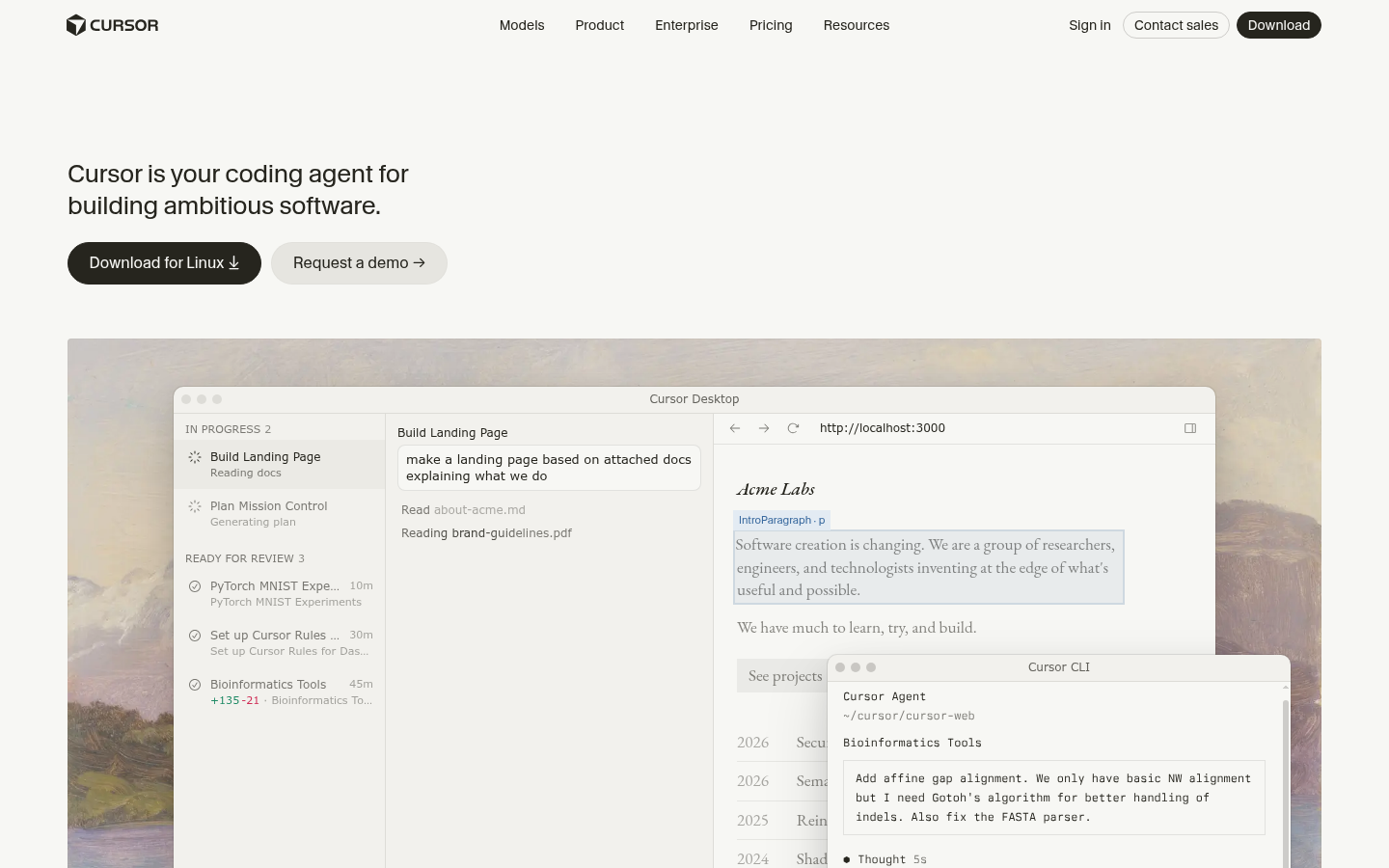

Cursor
- Tab autocomplete is still the most mature in-editor completion experience available, especially for fast iteration.
- Multi-model routing across Claude, GPT, Gemini and Grok means comparing outputs without leaving the editor.
- Up to 8 parallel Agent sessions plus sandboxed cloud background agents that can open pull requests on their own.
- Familiar VS Code fork, so existing extensions, keybindings and muscle memory carry straight over.
- Usage-based billing on the higher tiers can get unpredictable for heavy daily users.
- Independent audits report the effective usable context is often well below the advertised 200K token window.
- Closed source and tied to a proprietary editor fork, unlike Claude Code's open CLI.
Best when your day is mostly spent writing code inside an editor and you want AI on every line.
At-a-glance
| Claude Code | Cursor | |
|---|---|---|
| Starting price | Bundled in Claude Pro, $17-20/mo; Max plans $100-200/mo; pay-as-you-go API also available | Free Hobby tier; Individual plans from $20/mo; Teams $40/user/mo |
| Primary interface | Terminal-native agent, plus desktop, web, VS Code and JetBrains extensions | Standalone VS Code fork (full IDE), plus CLI and cloud agents |
| Model support | Anthropic Claude models only (Opus, Sonnet, Haiku) | Multi-provider: Claude, GPT, Gemini, Grok, plus Cursor's own Composer models |
| Autonomy level | Fully agentic: reads, edits, tests and iterates with minimal check-ins | Developer-directed by default; Agent mode needs more frequent confirmation |
| Context handling | Strong autonomous whole-repo awareness, good for large, unfamiliar codebases | Granular developer-controlled context; advertised 200K window, independent audits report lower effective usable context |
| Parallel / background work | Parallel work via git worktrees and scriptable workflows | Up to 8 parallel Agent sessions plus sandboxed cloud background agents |
Verdict
Claude Code wins for the dominant use case on this site: a solo builder who wants to delegate a real chunk of work and come back to a working result. Cursor is the better daily driver if you write most of your code by hand and want the best autocomplete in the business. The two are not mutually exclusive, and a lot of builders end up running both.
How we tested
We compared Claude Code and Cursor using each vendor's own pricing and documentation pages (claude.com/product/claude-code, code.claude.com/docs, cursor.com/pricing, cursor.com/docs, checked August 2026), aggregated review sentiment from G2 (Claude Code roughly 4.7/5 across about 100 reviews; Cursor roughly 4.6/5 across 300-plus reviews), and public developer discussion on Reddit (r/programming, r/ClaudeAI, r/AI_Agents) and the Cursor community forum. We did not run our own benchmark suite for this page; feature and autonomy claims are cross-checked against at least two independent 2026 comparison write-ups in addition to the vendors' own docs, and pricing was verified live against both pricing pages.
In the claude code vs cursor debate, both tools write code with you, but they start from opposite assumptions. Claude Code is a terminal-native agent built to take a task and run with it end to end. Cursor is a full VS Code fork built to make every keystroke faster. For a solo builder shipping a side project, Claude Code is the stronger default: it does more with less babysitting on the tasks that actually eat a weekend.
Why this comparison even matters
If you build alone, the tool you pick shapes how much of the boring part you still have to do. Delegate too much and you get code you do not understand. Delegate too little and you are back to typing everything by hand. Claude Code and Cursor sit at different points on that line, and picking the wrong one for your workflow costs real hours, not just preference.
What each one actually is
Claude Code runs in your terminal, and also ships as a desktop app, a web client, and extensions for VS Code and JetBrains. It does not replace your editor. You point it at a task, it reads the codebase, edits files, runs commands, and iterates against test failures on its own before handing back a result. It runs headless too, which matters if you want it in a GitHub Action or over SSH on a box you do not have a GUI on.
Cursor is the opposite starting point: it is the editor. A VS Code fork with AI wired into every layer, tab completion that predicts your next edit, inline diffs you approve line by line, and an Agent mode that can go off and do multi-step work when you ask it to. If you already live in VS Code, Cursor feels like the same tool with a much better autocomplete.
Pricing, in practice
Claude Code is bundled into a Claude subscription. Pro runs $17/mo billed annually (or $20/mo month to month) and covers short coding sprints in a small codebase. Max 5x is $100/mo for daily use in bigger repos, Max 20x is $200/mo for people who lean on it constantly. There is also a pay-as-you-go Console/API path priced at standard token rates, which gets expensive fast without limits set.
Cursor has a genuinely free Hobby tier with limited Agent requests, no card required. Individual plans start at $20/mo (Pro, Pro+, Ultra tiers scale up the usage caps) and Teams runs $40 per seat per month with centralized billing and SSO. Both tools bill on top-tier plans by usage once you exceed the included amount, so a heavy month can cost more than the sticker price on either side.
Where Claude Code pulls ahead
The gap shows up on real, messy tasks: a refactor that touches twelve files, a flaky test suite you want fixed and re-run automatically, a bug that needs tracing across three services. Claude Code's autonomous loop, read the error, apply a fix, run the tests again, means you hand off the task and come back to a result instead of babysitting every diff. Its whole-repo awareness also makes onboarding onto someone else's codebase noticeably faster than manually pointing an editor at the right files.
It also fits into infrastructure work that has no GUI at all: CI pipelines, GitHub Actions, remote servers reached over SSH. And because Anthropic built the Model Context Protocol, Claude Code's MCP integrations with GitHub, Slack, and custom internal tools tend to be first-class rather than bolted on.
Where Cursor pulls ahead
Cursor still owns the moment-to-moment editing experience. Tab autocomplete is the most mature in-editor completion available right now, and for line-by-line work it is simply faster than typing everything or waiting on an agent to finish a full pass. Multi-model routing means you can send the same prompt to Claude, GPT, or Gemini without leaving the editor, useful when one model keeps getting a specific bug wrong.
Cursor also runs up to eight parallel Agent sessions, each in its own git worktree, plus sandboxed cloud background agents that can open a pull request without you watching. Bugbot, its automated PR reviewer, catches logic errors and race conditions before a human even opens the diff. And because it is a VS Code fork, existing extensions, keybindings, and years of muscle memory carry straight over.
What developers actually say
Aggregated review data leans positive for both. Claude Code sits around 4.7 out of 5 on G2 across roughly 100 reviews, with praise concentrated on autonomous task completion and codebase understanding, and complaints clustered on the terminal-only workflow feeling unfamiliar at first. Cursor sits around 4.6 out of 5 on G2 across 300-plus reviews, with the intuitive UI and tab completion consistently named as the reason people stay, and usage-based billing surprises as the most common complaint. Reddit threads on r/programming and r/ClaudeAI describe a similar split: Claude Code gets called in for the overnight refactor, Cursor stays open for the daily grind.
Which one should you actually build with
If you are choosing one tool for a weekend project, pick based on what eats your time. If it is rewriting the same function five times while you get the logic right, Cursor's autocomplete pays for itself. If it is scoping out a feature, writing it across a dozen files, and getting the tests green, Claude Code will save you more hours per dollar. Plenty of builders on tighter budgets run Claude Code's Pro plan for the heavy lifting and Cursor's free Hobby tier for daily edits, and only upgrade the one that is actually the bottleneck.
Neither tool is going to write your idea for you. That part is still yours.