GitHub Copilot Alternatives: 5 AI Coding Tools Compared
Summary
GitHub Copilot alternatives fall into three groups: editors with AI built in, terminal agents, and open-source extensions you wire to your own model. Cursor is the best all-round replacement for most developers, Claude Code is the strongest for delegating whole tasks, and Cline, Aider and Zed give you the most control for the least money. This comparison covers pricing, where each tool runs, model choice and team controls, and tells you when staying on Copilot is still the right call.
Verdict: Among the GitHub Copilot alternatives we compared, Cursor is the best overall pick for developers who want to keep inline autocomplete and gain stronger multi-file agents. Claude Code wins for handing off whole tasks, while Cline, Aider and Zed win on cost and control. Copilot itself still wins when your workflow is built around GitHub pull requests and org policy.
Why people look for GitHub Copilot alternatives
Here is what actually hurts. Copilot is cheap to start, at $10 a month for Pro, and it lives inside the editor you already use. The friction shows up later. GitHub moved Copilot to usage-based AI credits billing in June 2026, so heavy agent use can drain what your plan includes. Independent benchmarks also put its chat behind Cursor on large multi-file refactors.
None of that makes Copilot a bad tool. It makes it a tool with a specific shape: tight GitHub integration, broad editor support, and governance for teams. If that is not the shape you need, the options below fit different jobs. You can check the current numbers on the official Copilot plans page.
Three kinds of alternative, not one
Most roundups rank these tools on a single scale. That hides the real choice, because they work in different ways.
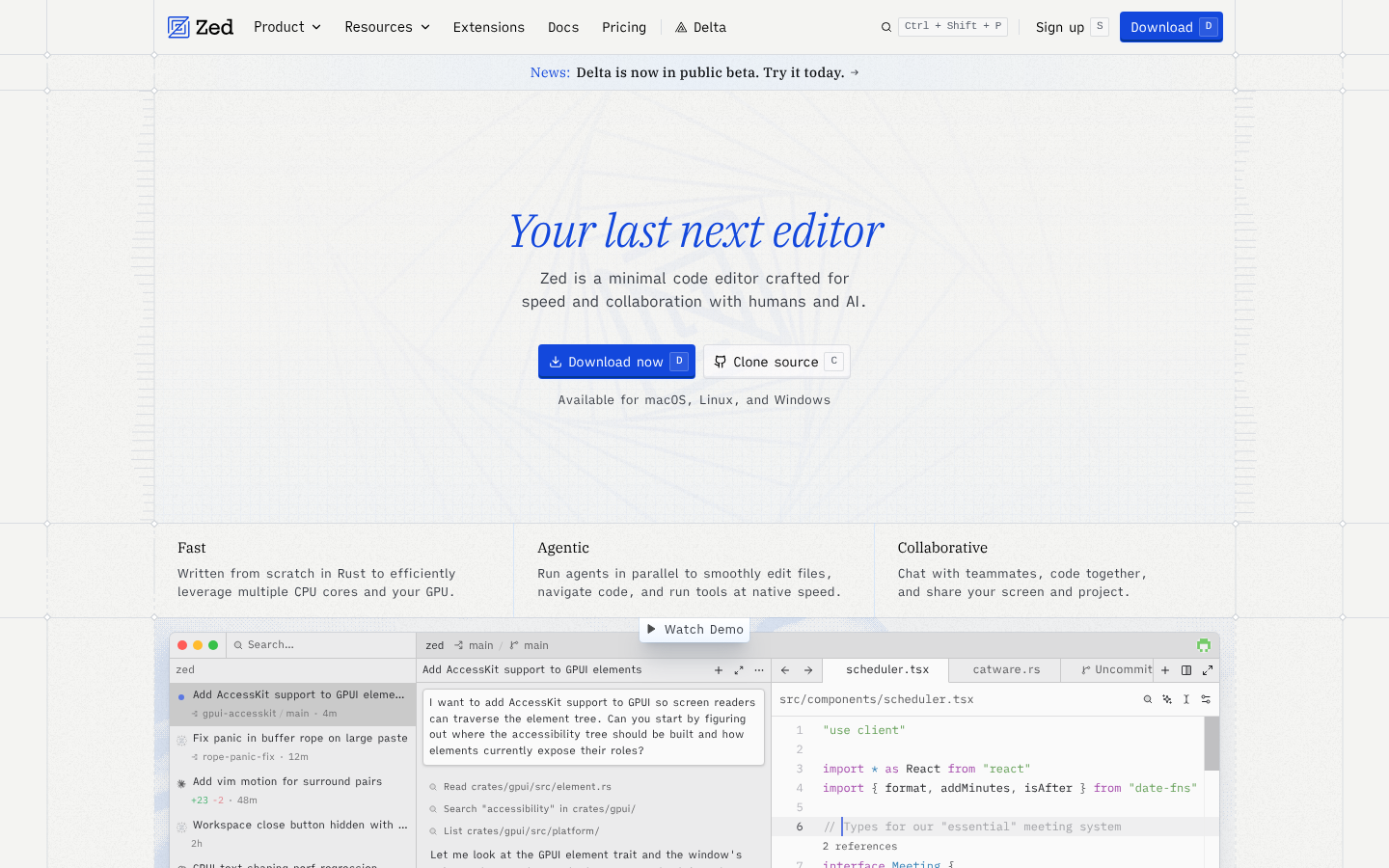
Editors with AI built in. Cursor and Zed replace your editor. You adopt a new environment and get AI woven into it. Cursor is a VS Code fork, so extensions and keybindings carry over. Zed is written in Rust and is built around speed and an open protocol for plugging in agents.
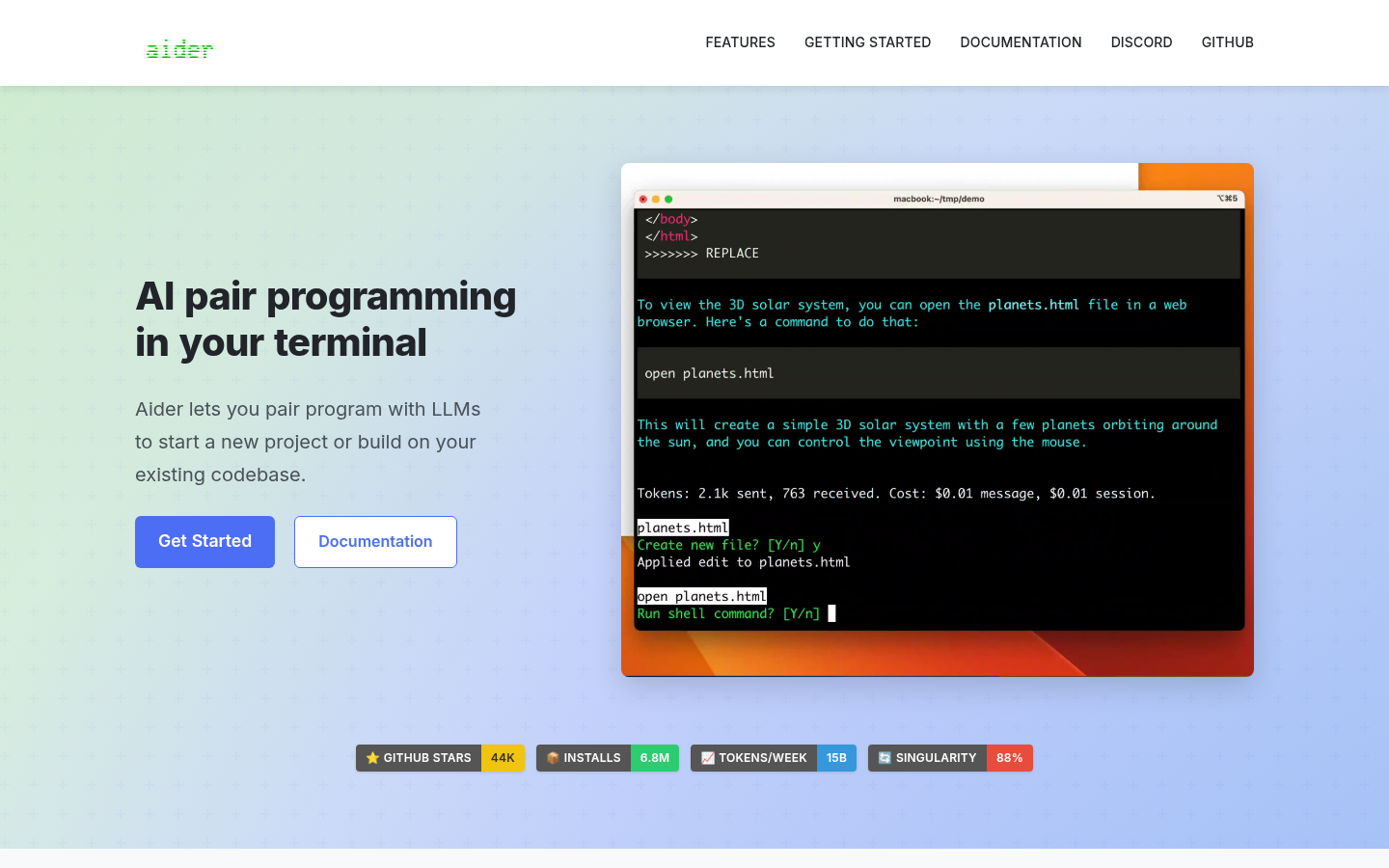
Terminal agents. Claude Code and Aider live in the terminal and work next to any editor. You describe a task, the agent edits files, and you review a diff. Aider auto-commits each successful change with a generated message. Claude Code runs tests and iterates, and it can run headless in CI.
Extensions you point at your own model. Cline stays inside VS Code and uses your API key. You pay for tokens, not a subscription. The cost is a bill that moves with how hard you push it.
Cursor: the closest drop-in upgrade
If you type all day and want suggestions at every keystroke, Cursor is the nearest match to what you get from Copilot, with more on top. It routes between Claude, GPT, Gemini and Grok, and it can run up to eight agent sessions in parallel, each in its own git worktree. Its pricing page starts with a free Hobby tier and moves to paid plans from $20 a month.
The trade is real. It is closed source, it is a different editor from the one you have now, and usage-based billing on higher plans can surprise heavy users. Independent audits also report that the context you can actually use is often well below the advertised window.
Claude Code: replace tasks, not keystrokes
Claude Code does not offer inline tab completion, so it does not replace the part of Copilot you feel while typing. It replaces something else: the afternoon you would spend on a migration or a bug hunt. You describe the work, it reads the repo, edits files, runs the tests, and you review the result.
It is Claude models only. It is included with Claude Pro and the Max plans, or you can pay by API usage. Its G2 listing averages around 4.7 out of 5, but on far fewer reviews than Copilot or Cursor, so treat that number with caution.
Cline, Aider and Zed: control over polish
These three are for developers who would rather own the setup. Cline and Aider are free and open source, and you bring a model key. Typical spend for Cline is $5 to $50 a month for one developer, and Aider costs a few cents to low dollars per feature with a frontier model. Neither has team dashboards.
Zed sits between the two worlds. The editor is fast and open source, the Personal plan is free, and Pro is $10 a month. It has no SSO, SAML or SCIM yet, so check that before proposing it to a regulated team.
Who we left out, and why
Two names come up in most lists and are missing here on purpose. Continue now describes itself as acquired by Cursor on its own homepage, and its product focus has shifted toward cloud agents, so we do not treat it as a stable Copilot replacement. Tabnine went enterprise-only in mid-2026 at $39 per user per month, which puts it out of reach for solo developers, the readers of this site.
When to stay on Copilot
Three reasons to stay, one reason to leave. Stay if your team reviews everything in GitHub and wants the coding agent to pick up an issue and open a draft pull request. Stay if you need org-wide policy controls and audit logs without adopting a new editor. Stay if $10 a month covers what you do. Leave when credit billing, multi-file refactors or model choice become the daily annoyance.
What to try next
Pick one alternative and run it on a real task for a week, not a toy repo. A feature you were going to build anyway is a good test. Which of the three groups matches how you actually work, editor, terminal or extension?
At-a-glance
| GitHub Copilot | Cursor | Claude Code | Cline | Aider | Zed | |
|---|---|---|---|---|---|---|
| Entry price | Free tier; Pro $10/mo; Business $19/user/mo | Free Hobby tier; paid plans from $20/mo; Teams $40/user/mo | Included in Claude Pro ($20/mo billed monthly, $17/mo annual); Max $100 or $200/mo; or pay-as-you-go API | Free extension; you pay your own model API costs, typically $5-50/mo for one dev | Free CLI; you pay only for LLM API tokens | Free personal plan; Pro $10/mo; Business $30/seat/mo |
| Where it runs | VS Code, JetBrains, Neovim, github.com and a desktop app | Its own editor, a VS Code fork | Terminal, desktop app, web, VS Code, JetBrains, Slack | VS Code extension, plus a terminal workflow | Terminal, next to any editor or none | Its own editor, written in Rust |
| Model choice | Multiple models on paid tiers, chosen by GitHub | Claude, GPT, Gemini and Grok in one editor | Claude models only | 30+ providers, bring your own key | Any provider, including local models | Your own keys, local models via Ollama, or external agents such as Claude Agent and Codex CLI |
| Main working style | Inline suggestions, chat, and agent tasks tied to issues and PRs | Fast Tab autocomplete plus up to 8 parallel agent sessions | Delegate a multi-step task, then review the result | Plan mode, then Act mode, with approval before changes land | Change-and-commit loop, one auto-commit per successful edit | Fast editor with agents plugged in through an open protocol |
| Team and governance controls | Org policies, audit logs, model governance | SSO, SCIM and audit logs on Enterprise | Not assessed here; check Anthropic's current plan pages | Free for the first 10 seats, then $20/user/mo; admin tooling is young | None built in | Business tier; no SSO, SAML or SCIM yet |
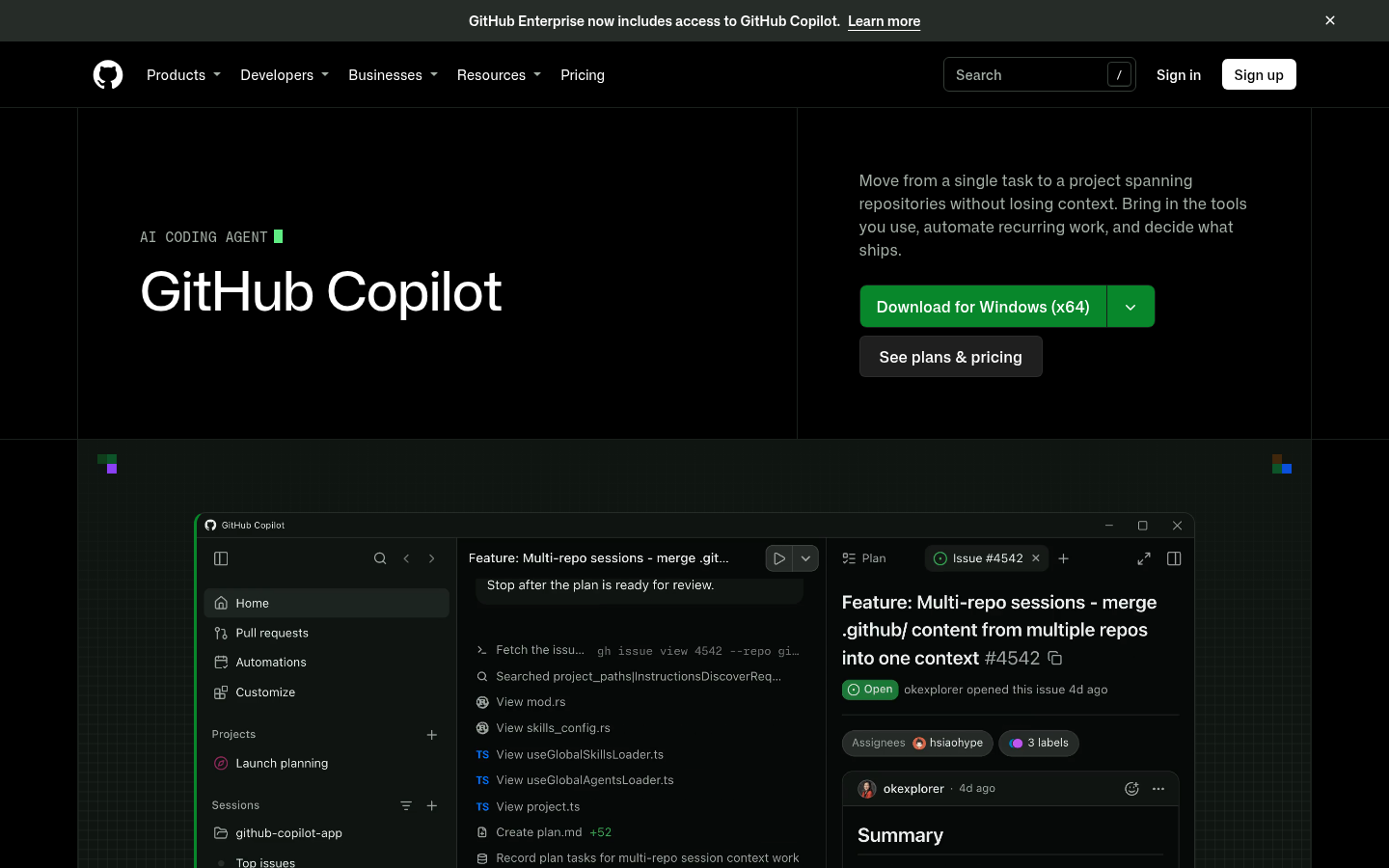
GitHub Copilot
- Deepest native integration with GitHub itself: PRs, Issues, Actions and code review in one place
- Works in VS Code, JetBrains and Neovim without switching editors
- Org-wide policy controls and audit logs suit regulated environments
- Moved to usage-based AI credits billing in June 2026, so heavy agent use can burn through included credits
- Chat quality trails Cursor on large multi-file refactors in independent benchmarks
Still the safe default if your code and your reviews already live on GitHub.
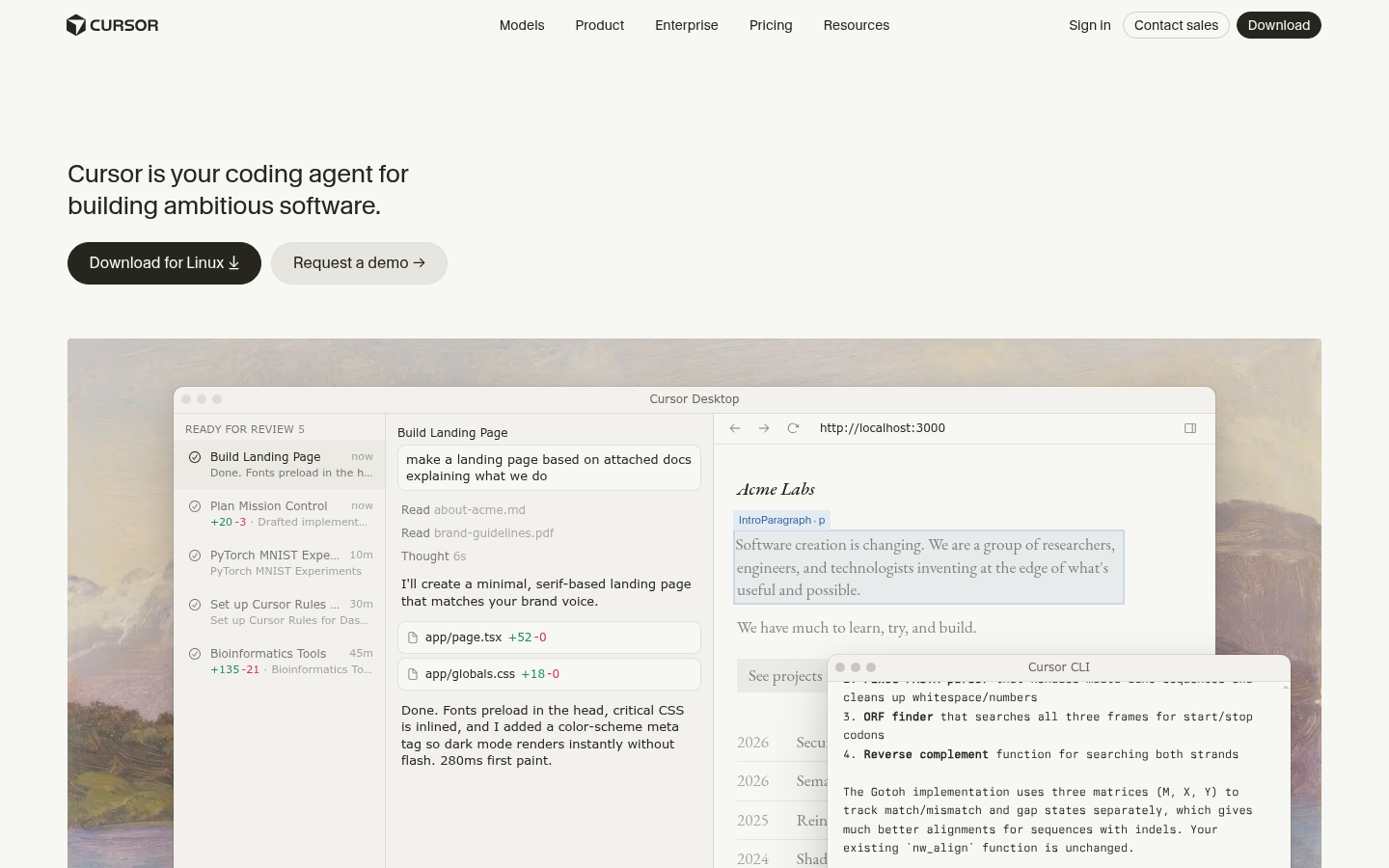

Cursor
- Best-in-class inline Tab autocomplete for keystroke-level assistance
- Claude, GPT, Gemini and Grok routed inside one editor
- Up to 8 parallel agent sessions, each in its own git worktree
- VS Code fork, so extensions and keybindings carry over
- Closed source, proprietary VS Code fork you have to adopt as your editor
- Usage-based billing on the higher plans can be unpredictable for heavy users
- Independent audits report usable context well below the advertised 200K token window
The closest thing to a drop-in upgrade if you are willing to change editors.
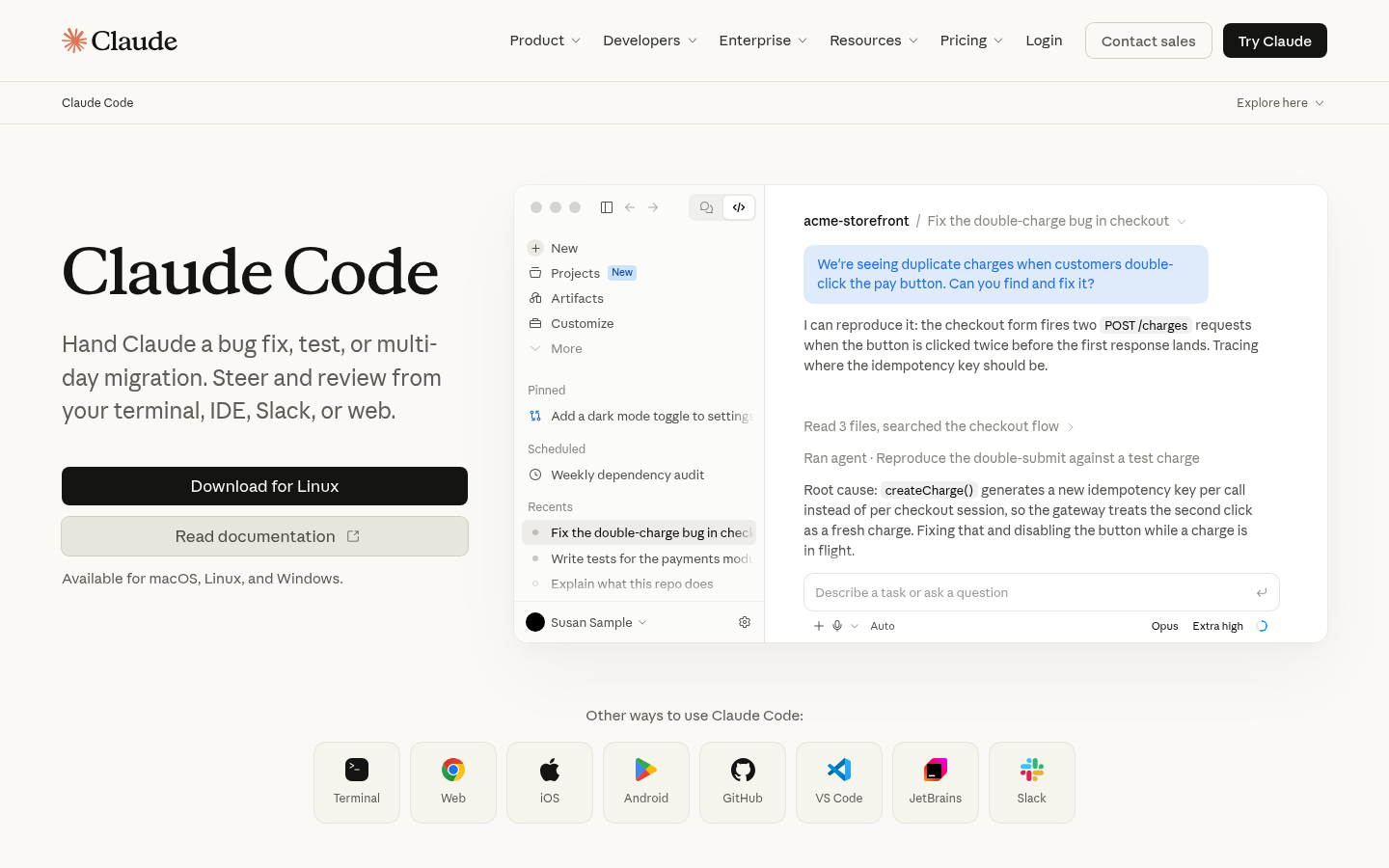

Claude Code
- Terminal-native agent that reads, edits, runs tests and iterates with little hand-holding
- Strong whole-repo awareness for large codebases and multi-file refactors
- Runs headless in CI, GitHub Actions and over SSH
- First-party Model Context Protocol support
- Claude models only, with no multi-provider routing
- No dedicated inline tab autocomplete, so it does not replace Copilot's typing assistance
- Heavy agentic use on API billing can get expensive without usage discipline
Not a Copilot clone, and that is the point: it replaces tasks, not keystrokes.
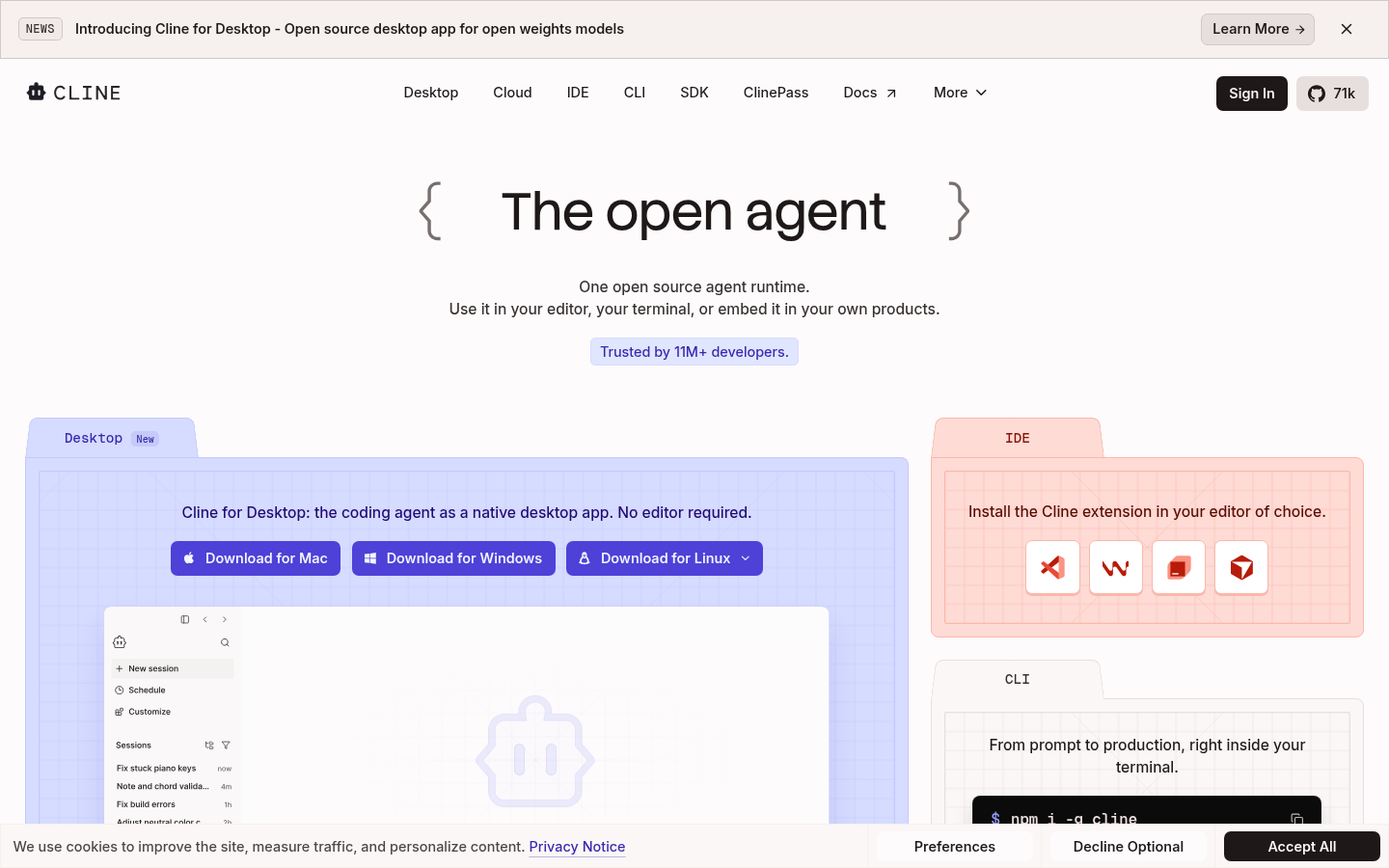
Cline
- Free and open source, with 30+ model providers behind your own API key
- Plan and Act modes separate proposing a change from executing it
- Can edit files, run terminal commands and drive a browser to check its own work
- Model Context Protocol support for custom tools
- Agent runs can rack up API spend fast on a large task if left unsupervised
- No built-in multi-model routing UI, so you configure providers yourself
- Governance and admin tooling is younger than the enterprise-first competitors
The cheapest serious agent in VS Code, as long as you watch your token bill.
Aider
- Terminal-native, with no editor lock-in
- Builds a repo map for context and auto-commits each successful change with a generated message
- Supports over 100 languages and any model, including local ones, per task
- No GUI, which is a real adjustment if you are used to inline diffs in an editor
- No built-in team features, dashboards or governance controls
- Not built for inline Tab completion, so it is a different loop from Copilot's
Zero subscription markup and full control, paid for with terminal-only ergonomics.

Zed
- Written from scratch in Rust, with a GPU-rendered UI that stays fast during large agent edits
- Open Agent Client Protocol lets you bring Claude Agent, Codex CLI, Gemini CLI or another agent
- Fully open source editor and edit-prediction model
- Free plan works with your own API keys or local models
- No SSO, SAML or SCIM yet, which is a gap for larger regulated engineering orgs
- Younger AI agent ecosystem, with fewer third-party integrations out of the box
- Business tier controls only govern Zed's own hosted AI, not external agents you bring
A fast editor first and an AI package second, which is exactly why some devs pick it.
Verdict
If you are leaving GitHub Copilot, Cursor is the alternative most developers should try first: it keeps the inline autocomplete habit and adds stronger multi-file agents. Pick Claude Code if you would rather delegate whole tasks than approve keystrokes. Pick Cline or Aider if cost and control matter more than polish. Stay on Copilot if your team reviews everything in GitHub and your main need is governance, not raw agent power.
How we tested
This is a desk comparison, not a benchmark. We compared vendor documentation, public pricing pages and homepage claims as of November 2026, and cross-checked them with public review listings on G2 and Capterra. We did not run our own head-to-head coding tests, so we make no speed or accuracy claims beyond what independent sources report. Where a product has meaningful review volume, its score reflects that listing: GitHub Copilot sits around 4.4 out of 5 on G2, Cursor around 4.6 and Claude Code around 4.7 on far fewer reviews, which is why we scored it slightly lower than its raw average. Cline, Aider and Zed have no comparable review volume that we could verify, so we show no score for them rather than invent one. No product here pays us for placement, and none of the links on this page are affiliate links. Pricing changes often, so confirm on the vendor page before you buy.