Cursor vs GitHub Copilot: Mana yang Lebih Baik untuk Dev?
Summary
Cursor vs GitHub Copilot tergantung di mana Anda sudah hidup: di editor baru atau di workflow GitHub. Cursor unggul di inline autocomplete, parallel agents, dan multi-model choice. GitHub Copilot unggul di native GitHub integration dan harga tier entry yang predictable. Dev solo yang build side project dapat lebih banyak dari Cursor. Tim yang sudah wired ke GitHub PRs dan Issues dapat lebih banyak dari Copilot tanpa switching editor.
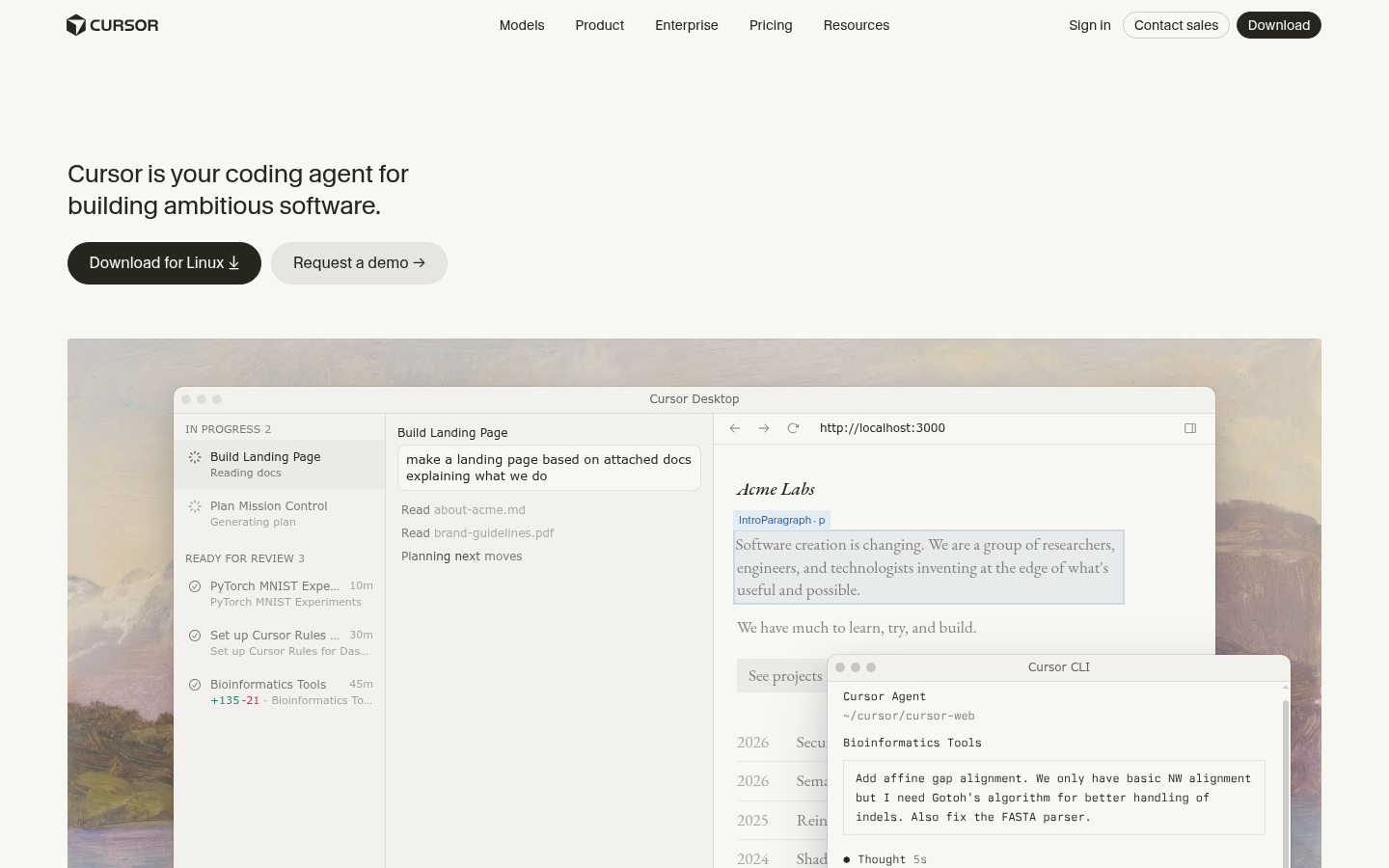

Cursor
- Tab autocomplete predict multi-file edits, bukan hanya current line
- Up to 8 parallel agent sessions, each di own git worktree
- Bugbot flag security issues dan race conditions sebelum merge
- Multi-model routing across Claude, GPT, Gemini, dan Grok di satu editor
- Usage-based credit billing di top plans jadi unpredictable di heavy agent use
- Independent audits report real usable context often below advertised 200K window
- Closed-source VS Code fork berarti switching editors dan trust satu company roadmap
Daily driver yang lebih kuat untuk solo devs yang want AI woven ke every keystroke.
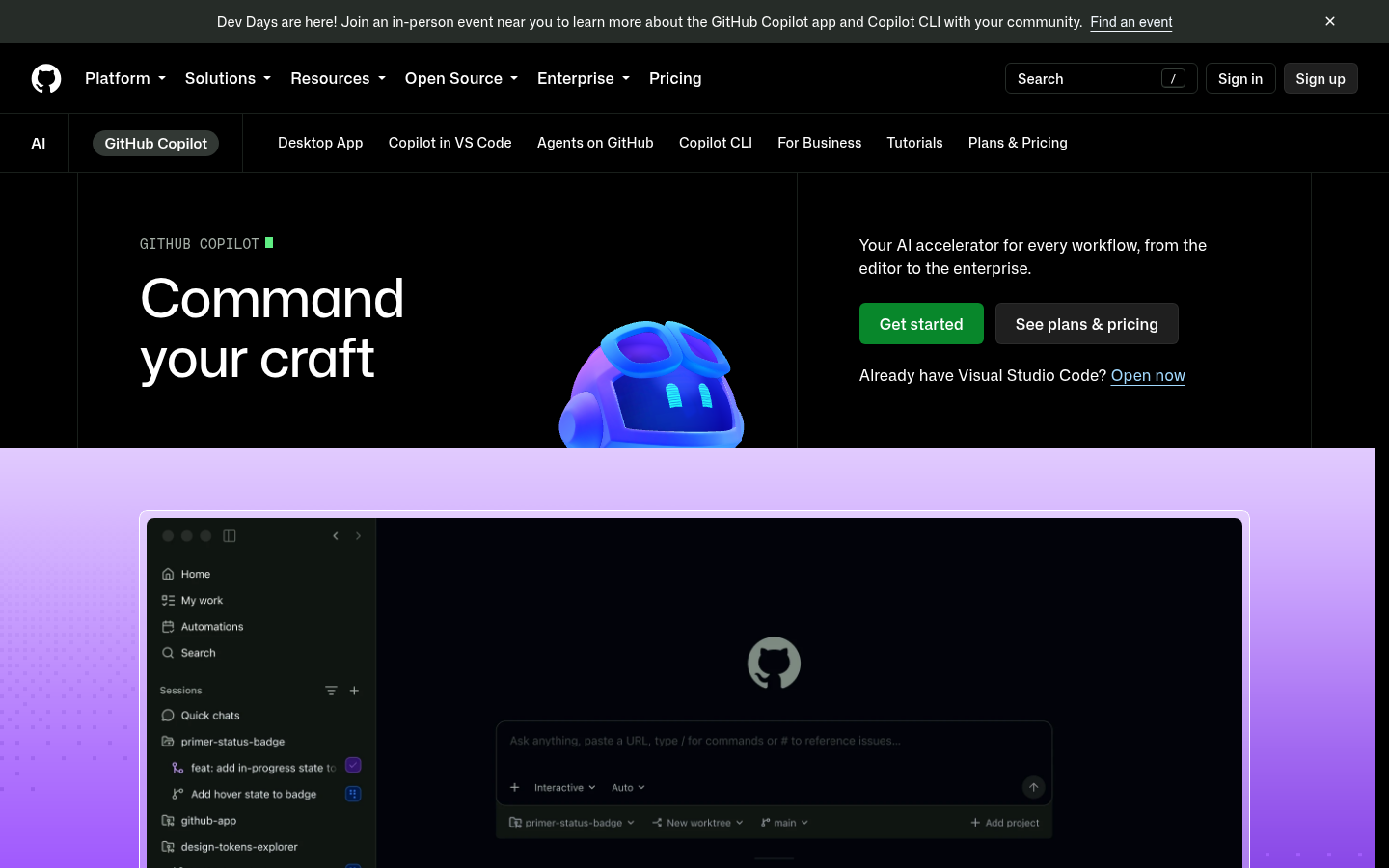
GitHub Copilot
- Coding agent pick up GitHub Issue dan buka draft PR unattended
- Work natively across VS Code, JetBrains, Neovim, dan github.com
- Org-wide policy controls dan audit logs dibangun untuk regulated teams
- Cheapest paid entry tier di $10/bulan untuk unlimited completions
- Chat quality trail Cursor di large multi-file refactors di side-by-side tests
- Pindah ke usage-based AI Credits di Juni 2026, credits burn cepat di heavy agent use
- Business dan Enterprise seats add real per-seat cost once team scale past few engineers
Lower-friction pick untuk teams yang tidak want leave existing GitHub workflow.
At-a-glance
| Cursor | GitHub Copilot | |
|---|---|---|
| Harga mulai | Gratis (Hobby); $20/bulan Individual; $40/user/bulan Teams | Free tier; $10/bulan Pro; $19/user/bulan Business |
| Model editor | VS Code fork standalone, replace editor Anda | Extension di dalam VS Code, JetBrains, Neovim, github.com |
| Inline autocomplete | Multi-file Tab predictions, jump ke next edit | Solid single-file completions, improve multi-file |
| Agent capabilities | Up to 8 parallel agents di separate git worktrees | Coding agent pick up Issues, buka draft PRs unattended |
| Ecosystem fit terbaik | Solo devs dan teams yang open ke editor baru | Teams yang sudah di dalam GitHub PRs dan Issues |
Verdict
Cursor menang comparison ini untuk builder audience: better autocomplete, more agent parallelism, dan model choice, di cost switching editors. GitHub Copilot tetap right call untuk teams yang whole workflow-nya sudah run through GitHub Issues dan PRs, di mana integration savings outweigh Cursor edge di raw coding feel.
How we tested
Kami compare Cursor dan GitHub Copilot menggunakan current public pricing pages dan documentation masing-masing vendor (checked September 2026), published feature sets mereka untuk autocomplete, agent mode, dan integrations, dan independent developer benchmarks dan community reports di completion quality dan context handling. Screenshots diambil langsung dari official site masing-masing product. Custom scores adalah own editorial rating kami based on research ini, bukan scraped third-party number, dan kami flag setiap limitation yang kami temukan rather than smooth it over.
Cursor vs GitHub Copilot: mana yang lebih baik?
Cursor vs GitHub Copilot mana yang lebih baik? Jawaban singkat: Cursor menang di raw coding feel, agent parallelism, dan model choice. GitHub Copilot menang di native GitHub integration dan cheaper entry price. Kalau Anda dev solo atau small team yang ship side projects dan tidak keberatan editor baru, Cursor adalah daily driver yang lebih kuat. Kalau tim Anda sudah di GitHub PRs dan Issues dan switching editor bukan pilihan, Copilot menghilangkan lebih banyak friction daripada menambahnya.
Jam 22.00, terminal terbuka, Anda memutuskan AI mana yang akan duduk di editor Anda untuk enam bulan ke depan. Cursor vs GitHub Copilot adalah pertanyaan yang muncul di basically setiap Discord indie hacker dan thread "AI coding tool mana" di Hacker News sekarang.
Cursor adalah VS Code fork yang dibangun around AI dari awal. GitHub Copilot adalah extension yang layer AI on top of editor yang sudah Anda pakai, plus deep hooks ke GitHub itself. Keduanya ship inline autocomplete, chat, dan "agent" mode yang bisa touch multiple files. Setelah itu, mereka diverge dengan cepat.
Pricing: berapa yang sebenarnya Anda bayar
Cursor free Hobby tier kasih limited Agent requests tanpa credit card. Individual tier (Pro, Pro+, Ultra) mulai $20/bulan dan unlock extended agent limits, multi-model access, dan cloud background agents. Teams bayar $40/user/bulan dengan centralized billing dan SSO. Enterprise custom.
GitHub Copilot undercut itu di entry tier: Pro $10/bulan untuk unlimited completions plus chat dan agent access, dan ada free tier yang genuinely usable dengan limited monthly completions. Business $19/user/bulan, Enterprise $39/user/bulan. Kedua vendors pindah ke usage-based credit billing di higher tiers mereka di 2026, yang berarti heavy agent week bisa cost lebih dari sticker price suggest. Budget untuk itu sebelum Anda commit whole team.
$10 gap itu matter lebih dari yang look on paper. Untuk freelance dev di Bangkok atau Manila billing clients di local currency, $10/bulan adalah rounding error, $20/bulan mulai show up di personal budget spreadsheet. Kalau Anda test-drive di side project dengan zero revenue yet, start di whichever free tier fit workflow Anda, terus upgrade once the tool sudah save real hours. Jangan bayar untuk Ultra atau Enterprise-tier features yang Anda tidak akan touch di bulan pertama.
Apa yang sebenarnya terjadi di real feature, bukan demo
Demos adalah tempat every AI coding tool look flawless. Gap itu show up di normal Tuesday: half-finished API route, three files yang perlu change together, dan test yang red since lunch.
Minta Cursor agent untuk wire endpoint baru through service layer dan React hook, dan usually ia akan touch all three files di one pass, di one worktree, dan hand Anda diff untuk review. Minta Copilot coding agent hal yang sama dari GitHub Issue, dan ia buka draft PR yang Anda review later, di GitHub timeline, bukan editor Anda. Same job, two very different rhythms: one keep Anda in flow di dalam editor, the other treat task seperti sudah PR orang lain untuk review.
Inline autocomplete: keystroke-level test
Ini adalah tempat Cursor bangun reputation-nya. Tab-complete di Cursor tidak hanya finish current line, ia predict next edit across the file dan jump Anda ke sana dengan one keypress. Untuk fast, iterative coding, ini adalah closest thing di market ke "editor read mind Anda."
Copilot completions solid dan improve steadily, tetapi independent testing dan community feedback consistently put multi-file refactor suggestions-nya one step behind Cursor. Untuk single-line dan single-function completions gap narrows. Untuk anything yang span several files at once, Tab model Cursor masih adalah yang beat.
Agent mode: berapa banyak yang Anda sebenarnya bisa hand off
Cursor support up to 8 parallel agent sessions, each running di own git worktree, plus sandboxed cloud background agents yang keep working setelah Anda close laptop. Bugbot, Cursor automated PR reviewer, flag logic errors, security issues, dan race conditions sebelum human even look at diff.
GitHub Copilot coding agent bisa pick up GitHub Issue sendiri dan buka draft PR tanpa Anda touch keyboard. Itu adalah genuinely different workflow: less "AI pair programmer," more "AI teammate yang work backlog." Itu strong pattern untuk teams yang triage work through Issues, less useful kalau process Anda tidak run through GitHub tracker.
Di mana GitHub Copilot integration menang outright
Kalau whole loop tim Anda, Issues, PRs, code review, CI status, sudah di GitHub, Copilot tidak ask Anda change anything. Ia show up di VS Code, JetBrains, Neovim, dan directly di github.com, dengan org-wide policy controls, audit logs, dan model governance dibangun untuk regulated environments.
Cursor, being separate editor, berarti every teammate punya switch, yang adalah real adoption cost di established team bahkan kalau extensions dan keybindings carry over dari VS Code. Untuk dev solo yang choose own tools, cost itu basically disappear.
Context window dan fine print
Cursor advertise up to 200K token context window di top models-nya, tetapi independent audits report effective, usable context often well below that number di practice, terutama di large repos. Copilot tidak lead dengan headline context number, dan chat quality-nya trail Cursor dan Windsurf-style agents di large multi-file refactors di side-by-side testing. Neither tool sudah solve "understands entire codebase" yet. Treat kedua context claims sebagai starting point, bukan guarantee, dan verify di own repo Anda sebelum trust either one di big refactor.
Siapa sebenarnya yang harus pick mana
Pilih Cursor kalau Anda dev solo atau small team build own product, Anda comfortable move ke editor baru, dan Anda want tightest keystroke-level AI loop plus option route between Claude, GPT, Gemini, dan Grok tanpa leave file Anda. Itu map closely ke builder audience di sini: people yang scope side project jam 22.00 yang want tool keep up dengan mereka, bukan slow mereka down dengan confirmations.
Pilih GitHub Copilot kalau Anda sudah deep di GitHub-centric team workflow, Anda want AI wired ke Issues dan PRs tanpa ask anyone learn editor baru, atau org Anda perlu policy dan audit controls yang come dengan Business atau Enterprise tiers. Itu adalah lower-friction, lower-cost pick untuk teams yang value stay put over squeeze last bit autocomplete quality.
Neither tool salah. Mereka dibangun untuk different defaults: Cursor bet di own the editor, Copilot bet di own the workflow around code Anda. Pick based di mana default yang Anda tidak willing give up.
Apa yang sebenarnya kami lakukan minggu ini
Kalau Anda scope weekend project dan pick stack dari scratch, install Cursor free Hobby tier first. No credit card, no team coordinate dengan, dan Tab autocomplete alone worth the ten minutes take import VS Code settings Anda. Kalau ia earn keep-nya setelah week dari real coding, Individual plan $20 adalah reasonable next step.
Kalau Anda sudah three months into project dengan team, GitHub-based release process, dan CI pipelines yang assume Issues dan PRs adalah source of truth, jangan rip itu out untuk marginal autocomplete gains. Add Copilot Business, let coding agent pick up few backlog issues, dan measure apakah draft PRs actually save review time sebelum bayar untuk Enterprise. Testing keduanya untuk two weeks di satu real feature, bukan toy repo, masih adalah only way know which fit actual workflow Anda, bukan hanya vendor pitch deck.