How to Improve Developer Experience on Any Project
Summary
How to improve developer experience: shorten the loop between a code change and its result, cut setup and test friction, write down decisions to lower cognitive load, and protect long stretches of focus. Time four loops (edit, test, build, deploy), fix the slowest cheap one first, and use AI tools only where they remove a wait instead of adding review work.

How to improve developer experience comes down to one move: shorten the loop between "I changed a line" and "I know if it worked", then protect the hours where you can actually think. Everything else is secondary. Fix slow builds, flaky tests, painful setup and noisy interruptions in that order, and use AI tools where they remove a wait instead of adding a review burden.
Here is the part nobody mentions: for a solo dev, you are the platform team, the customer and the person who gets paged. That is an advantage. You can fix what annoys you this week, not next quarter.
What does developer experience actually mean when you build alone?
Most guides on developer experience are written for companies with a platform team and a budget for surveys. The ideas still transfer, because the research behind them is simple. A widely cited paper in ACM Queue, from a group of DevEx researchers, breaks DevEx into three dimensions: feedback loops, cognitive load and flow state.
Feedback loops are how long you wait for a response from your tools or from other people. Cognitive load is how much you have to hold in your head to make a change. Flow state is whether you get long enough stretches of focus to do the hard parts.
Here is what actually gets in the way: nobody feels these three things as abstractions. You feel them as a test suite you avoid running, a repo you are scared to touch after two weeks away, and a laptop that pings you every four minutes.
Microsoft's own write-up of the research gives numbers worth remembering. Developers with significant time carved out for deep work felt 50% more productive than those without it, and teams that answered questions quickly reported 50% less tech debt. These are perception-based findings from a survey, not a controlled experiment, so treat them as direction, not a promise.
For a side project the translation is blunt. Your DX is the sum of the small frictions between you and a working feature on a Tuesday night at 22:00.
Where should you start: measure the loop before you fix it
Pick the single loop you run most often. For most of us that is: edit, save, see the result. Time it with a stopwatch, not a feeling.
A rough scale that has held up across my own projects:
Under 1 second: hot reload or watch mode feels instant, you stay in the problem.
1 to 10 seconds: fine, you will glance at another window but not lose the thread.
10 to 60 seconds: you will check your phone. This is where focus leaks.
Over a minute: you will batch changes, which means bigger mistakes and harder debugging.
Do the same for your test run, your full build and your deploy. Write the four numbers in a note at the top of the repo. That note is your baseline, and it makes the next fix concrete.
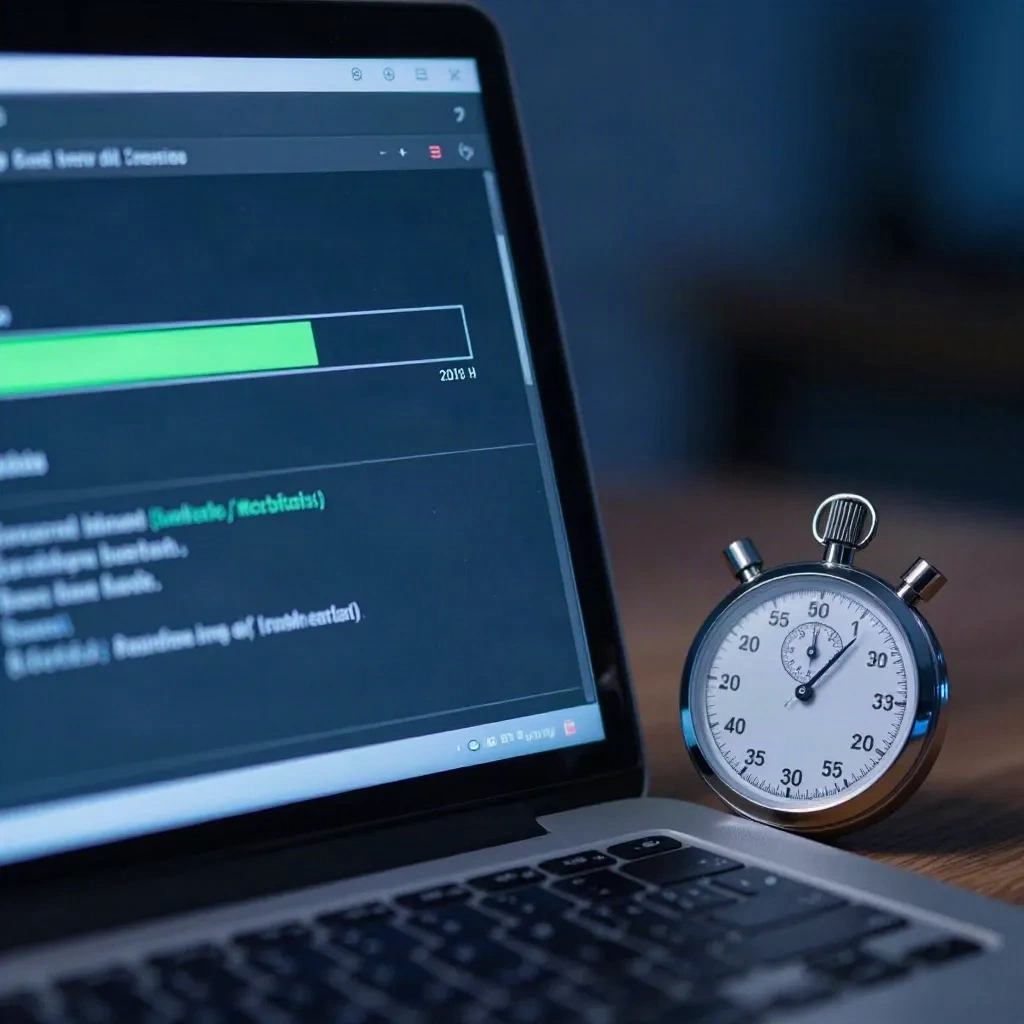
The advice from larger teams matches this. Swarmia's guide suggests tackling wait-time problems one at a time, starting with the simple ones, because it forces you to prioritize and makes impact easy to see. That is as true for one person as for fifty.
Trust the stopwatch over your gut. The loop that feels slowest is often not the one that wastes the most time. A 12 second type-check you run 300 times a day costs more than a 4 minute deploy you run twice.
Which friction is cheapest to remove first?
Some fixes take an afternoon and pay back for months. Do these before anything fancy.
Make setup one command. If a fresh clone does not run after a single make dev or npm run dev, you are taxing every future context switch, including the one where you return after a month. Put the steps in a script, not a README paragraph.
# bootstrap.sh: the only setup step a project should need
set -euo pipefail
cp -n .env.example .env
npm ci
npm run db:migrate
echo "ready: run npm run dev"
Run only what changed. Use your test runner's watch and related-files mode so a save runs the three affected tests, not all 900. Most modern runners support this out of the box.
Cache the slow thing. Dependency installs, Docker layers and build outputs are the usual culprits. If CI takes 8 minutes because it reinstalls everything, a cache key on your lockfile often cuts it to under 3.
Delete flaky tests or fix them today. A flaky test teaches you to ignore red. Tested, not optimal, and worth doing anyway: quarantining it in a separate job is better than leaving it in the main run, as long as you set a date to fix it.
Format and lint on save. Arguments about style cost attention. Let the tool settle them and move on.
None of this is exciting. That is the point. Each item removes a decision you were making dozens of times a week.
How much cognitive load is your codebase adding?
A side project ages badly in one specific way: you forget why things are the way they are. Three months later the code is a puzzle written by a stranger who happens to share your name.
The cheapest defense is writing down decisions, not documentation. A file called DECISIONS.md with one paragraph per choice ("used SQLite because the whole dataset fits in memory, revisit above 50k rows") saves more time than a polished README. Thoughtworks lists documentation such as architecture decision records among the four essentials of DX, and the solo version is the same idea at one-tenth the weight.
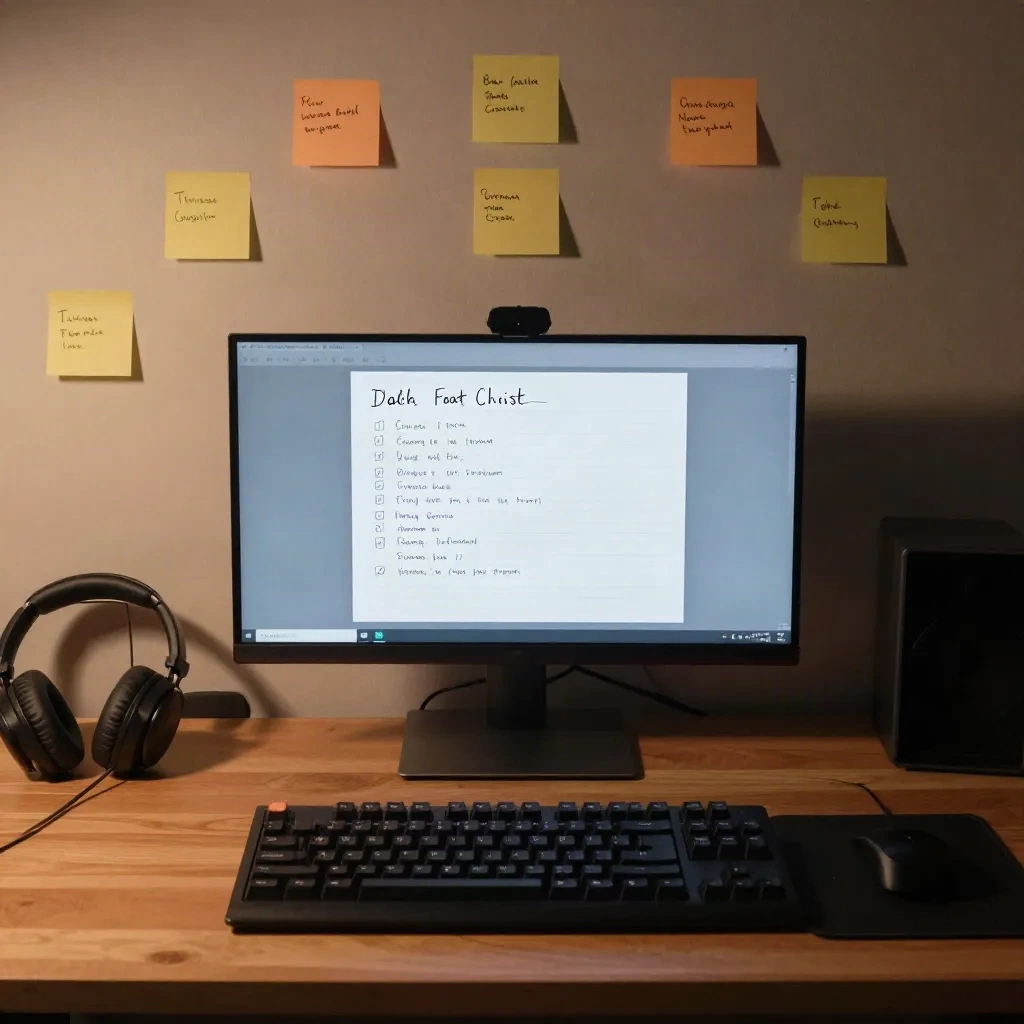
Three habits that reduce load without ceremony:
Name things by what they do, and rename quickly when a name stops being true.
Keep one obvious way to do each common task: one way to fetch data, one way to handle errors, one place for config.
Leave a failing test or a
TODO(next)comment at the end of each session, so tomorrow starts with a next step instead of a blank stare.
Skip the heavy architecture here. A folder structure with ten layers for a 2,000 line app adds load, it does not remove it. Add structure when something hurts, not before.
Does AI tooling improve developer experience or just move the pain?
Both, depending on where you point it. The honest answer after months of daily use is that AI tools shine on the parts of the job that are boilerplate, lookup and first drafts, and they cost you when you accept output you do not understand.
Good uses, in the order I would adopt them:
Inline completion for repetitive code. Low risk, instant feedback, you read every line anyway.
Explaining unfamiliar code or a stack trace. This directly reduces cognitive load and time spent searching.
Writing tests for code you already wrote. Review them hard, but the first draft saves real time.
Agentic edits across files for mechanical refactors, with a clean git state so you can discard the result.
The tools differ in where they live. Some sit in an editor, some in the terminal, some in your pull request flow:
For terminal-first work, an agent that reads your repo and runs commands fits a different habit than an editor plugin:
One caution that the DX framing makes obvious. If a tool speeds up writing code but slows down reviewing it, you moved the wait from one loop to another. Watch your own review time. If you spend more minutes reading generated diffs than you saved typing, shrink the scope of what you ask for.
Another skip: do not hand an agent a vague goal and walk away. Give it one small task with a check it can run, such as a failing test, and judge it by whether that check passes.
How do you protect the focus time that makes everything else work?
The deep work number from the Microsoft research is the one I would act on first, even with its limits. Focus is the multiplier on every other fix in this article.
Solo builders usually lose focus to themselves. Notifications, tabs, a new framework release, a feeling that you should check analytics. The fixes are dull and effective:
Block two sessions a week of at least 90 minutes with notifications off and chat closed.
Decide what you are building before you sit down. Opening the editor to "see what happens" is how an hour disappears.
Keep a parking-lot file. When a side thought arrives, write one line and go back.
End each session at a clean stopping point, not mid-thought, unless you leave a note.
If you freelance across time zones, as many builders in Taipei, Bangkok or Manila do, guard your overlap hours differently. Put client calls in a tight block and keep the rest for building, since a single 20 minute interruption can cost far more than 20 minutes of focus.
What should you measure so you know it is working?
Do not build a dashboard. Re-time the same four numbers monthly: edit-to-result, test run, full build, deploy. Add one more, a gut score from 1 to 5 for "how annoying was this week to build in?"
The perception measure matters. The Microsoft paper pairs what developers feel with workflow data because they can disagree: a review process can look fast on a chart and still feel disruptive. For one person, the same logic applies. If the numbers improve and the gut score does not, something else is wrong, and it is usually focus or scope.
Trade-offs worth naming: every improvement has a maintenance cost. A custom script is one more thing to break. A fancy monorepo setup can cost more than it saves for a project with one contributor. Prefer boring defaults and fix a thing only after it has bitten you twice.
Which DX improvement fits the project you are about to start?
If you are still choosing what to build, treat DX as a selection criterion. A project with a fast loop, a small stack and a clear scope will survive week three, which is where most weekend projects die. A project that needs five services running locally before you see a single pixel often does not.
Before you commit, ask three questions. Can I see a result in under 10 seconds? Can a fresh clone run with one command? Can I describe the first version in two sentences? Three yeses is a good sign. Two noes means shrink the idea, not the standards.
It is not a perfect idea. It is a feasible one. And a feasible idea with a quick loop beats an ambitious one you stop opening.
So which loop are you going to time first: the save, the test run or the deploy?